| Brand: | Sensus |
| Category: | Metering, Software & Cloud Apps |
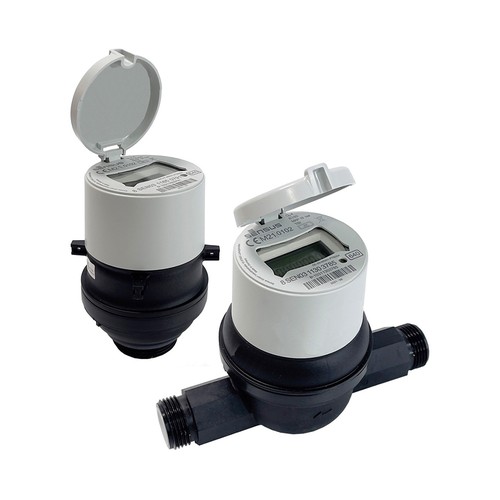
| Compatible Meters: | All Sensus RF Meters |
| Compatibility: | Android version 10.0 and higher |
| Other Applications: | - Diavaso Configuration & Service - Diavaso - App Suite for Remote Meter Reading with SensusRF |
Product Descriptions
Diavaso – Mobile Suite for SensusRF Meter Reading
Diavaso is a modular suite of mobile applications designed for remote meter reading, configuration, and maintenance using Android smartphones or tablets. It supports both walk-by/drive-by (AMR) and small-scale fixed network (AMR+) applications.
The suite consists of five apps that can be used individually or together, depending on your operational needs:

Diavaso - Collection Mobile App
Efficient Field Operations
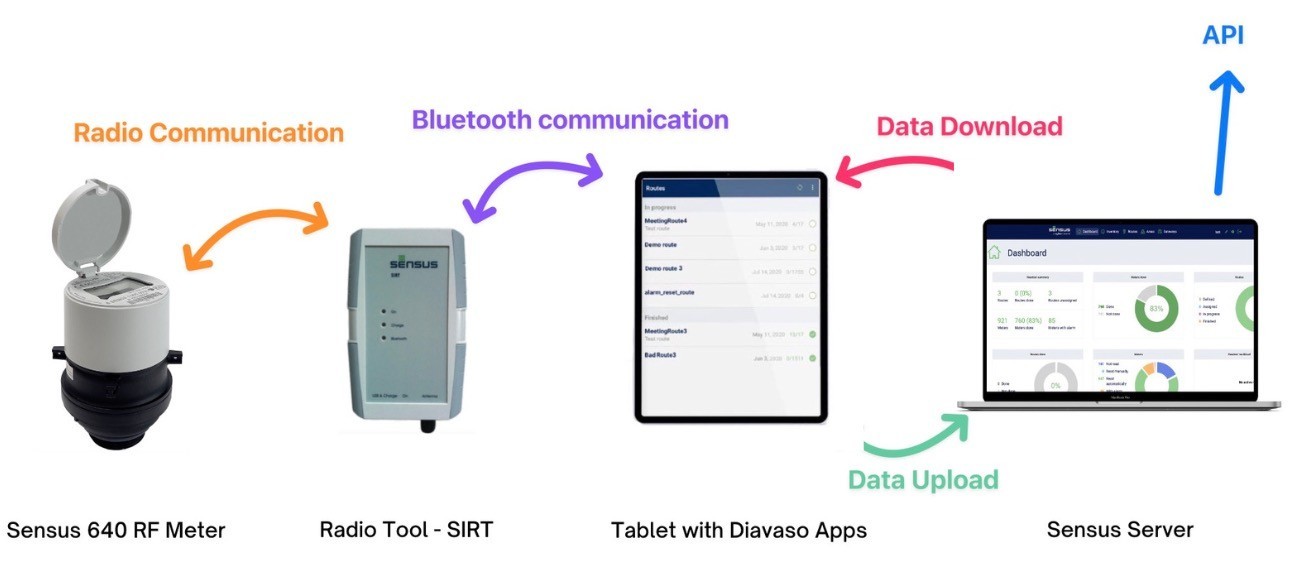
Streamline your daily tasks by downloading assigned routes directly to your Android device. The app provides a clear list of meters to visit, allowing you to filter by status and check off completed stops as you work.
- Route Sync: Download new routes from the server and upload completed readings whenever a connection is available.
- Smart Filtering: Sort meters by address, customer name, or reading status to find your next stop quickly.
- Offline Access: Log in once to download your data, then work entirely offline until you are ready to sync back to the office.
Flexible Reading Methods
Collect data from a wide variety of meters using the method that works best for the situation. Whether you are walking, driving, or reading manually, the Collection Mobile app supports your workflow.
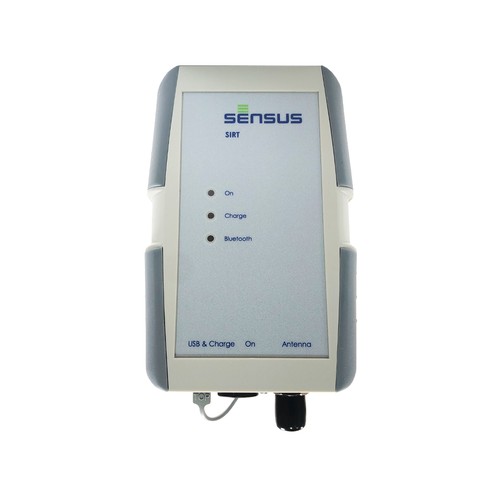
- Automatic Collection: Connect to a Sensus Interface Radio Tool (SIRT) via Bluetooth to automatically read SensusRF meters in range
- Manual Entry: Enter visual reads directly into the app with built-in checks to ensure values are within expected ranges.
- Wake Up Reading: Use the "Wake Up / Read / Sleep" (WRS) feature to activate and read meters that are in sleep mode.
On-Site Verification and Navigation
Ensure accuracy and find locations easily with built-in mapping and documentation tools. You can record exactly where and when a reading took place.
- GPS Tracking: Record the GPS location of the reader during manual readouts to verify the service location.
- Photo Evidence: Take photos of the meter or installation to document damage, obstacles, or reading values.
- Map Navigation: View your route on a map and launch Google Maps navigation directly from the app to find specific meters.

Diavaso - Collection Mobile Server

Centralized Workflow Management
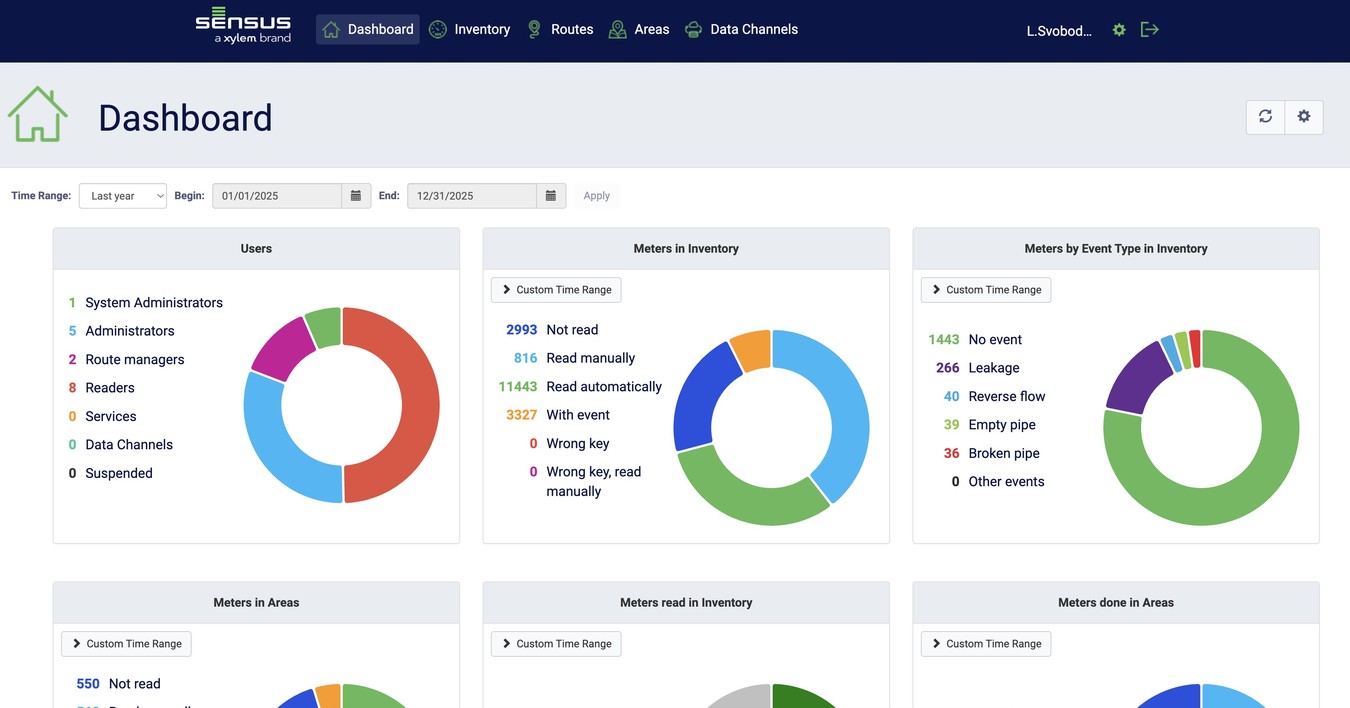
Control the entire meter reading process from a single web dashboard. Administrators can manage users, oversee inventory, and assign specific routes to field technicians.
- Dashboard Overview: Get a high-level view of system performance, including reading progress and active users, through customizable graphs.
- Route Assignment: Create routes and assign them to specific readers with instructions, comments, and scheduled completion dates.
- User Control: Manage user accounts, reset passwords, and set up security roles for administrators, route managers, and readers.
Data Processing and Reporting
Handle large amounts of metering data with powerful import and export tools. You can bring data into the system, organize it, and generate detailed reports for billing and analysis.
- Simple Imports: Upload meter lists, routes, and encryption keys using standard CSV files with a helpful import wizard.
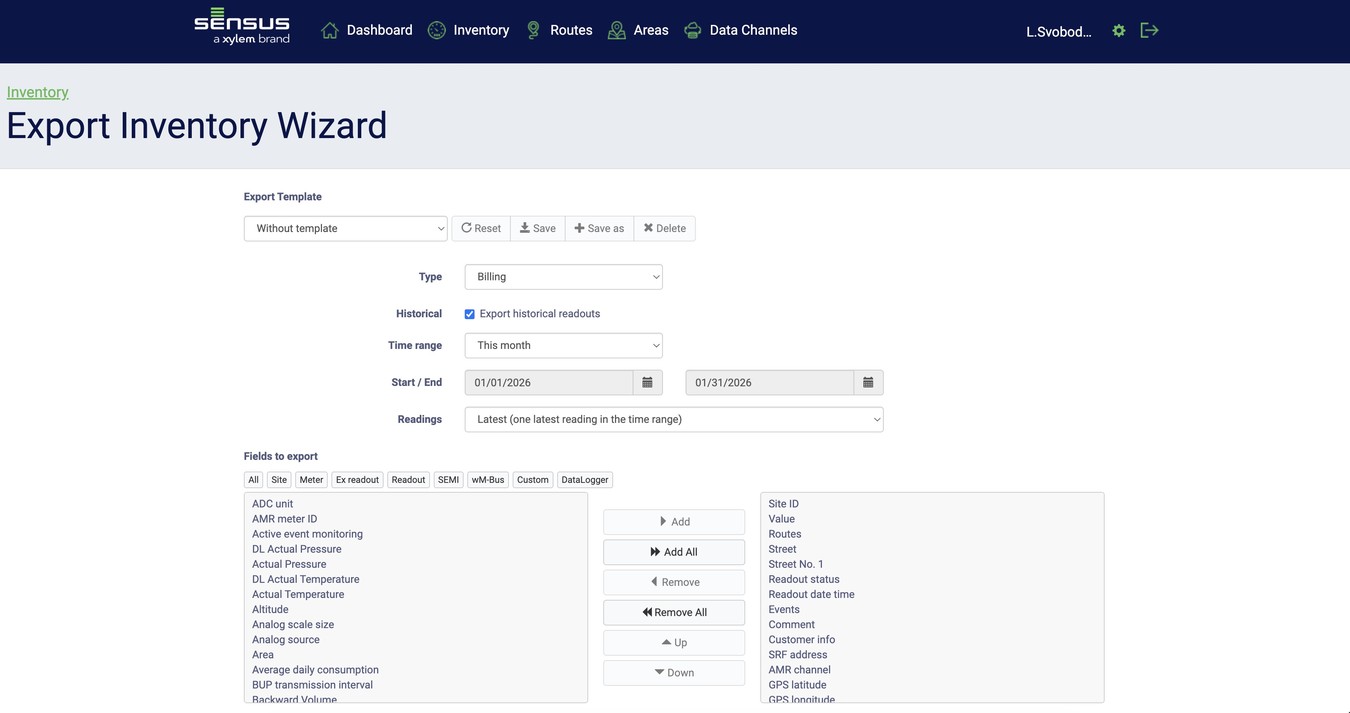
- Flexible Exports: Export reading data to CSV or Excel files for billing systems, including historical logs and fixed date readings.
- Detailed Reporting: Generate reports on route progress, consumption, success rates, and meters with specific error flags or events.
License & Security
Licensing and Registration
Software registration using the license key is required in order to access the full functionality of the applications. License keys are unique to each Android device as they are generated according to the device serial ID.
Security and Data Protection
All sensitive data stored and transmitted using Diavaso are encrypted and protected against unauthorized access. There are no plain data sets stored on the tablet that may be accessible. Please refer to the manuals of each Diavaso application for further details.
Sensus - Diavaso - App Suite

| Item | Description |
|---|---|
RF - ESSENTIAL |
Finder: Location Finder, Remote On-Demand Meter Read, Check Alarm Status. Send to Server. |
RF - CONFIG |
Configuration: Location Finder, Remote On-Demand Meter Read, Check Alarm Status. Send to server. Check and Reset Parameters. |
RF - DATALOG |
Data Logger: Download Logged Files and Fixed Rate Reading, Configure Settings, and Send to Server. |
RF - CS |
Collection Station: Automatic route read for drive-by meter reading or automated meter reading in small-scale fixed networks. |
RF - CM CLOUD |
Collection Mobile Option: Cloud Hosted - Sensus Server (500 - 100,000 meters) |
RF - COLLECT |
Collection Mobile Option: Software License for Self Hosting |